Quickstart Help
To install Nimble Fox, follow the steps below or watch the setup tutorial video.
2. Import Nimble Fox
In Unity, click Assets > Import Package > Custom Package. Select and import the Nimble Fox .unitypackage file.
Download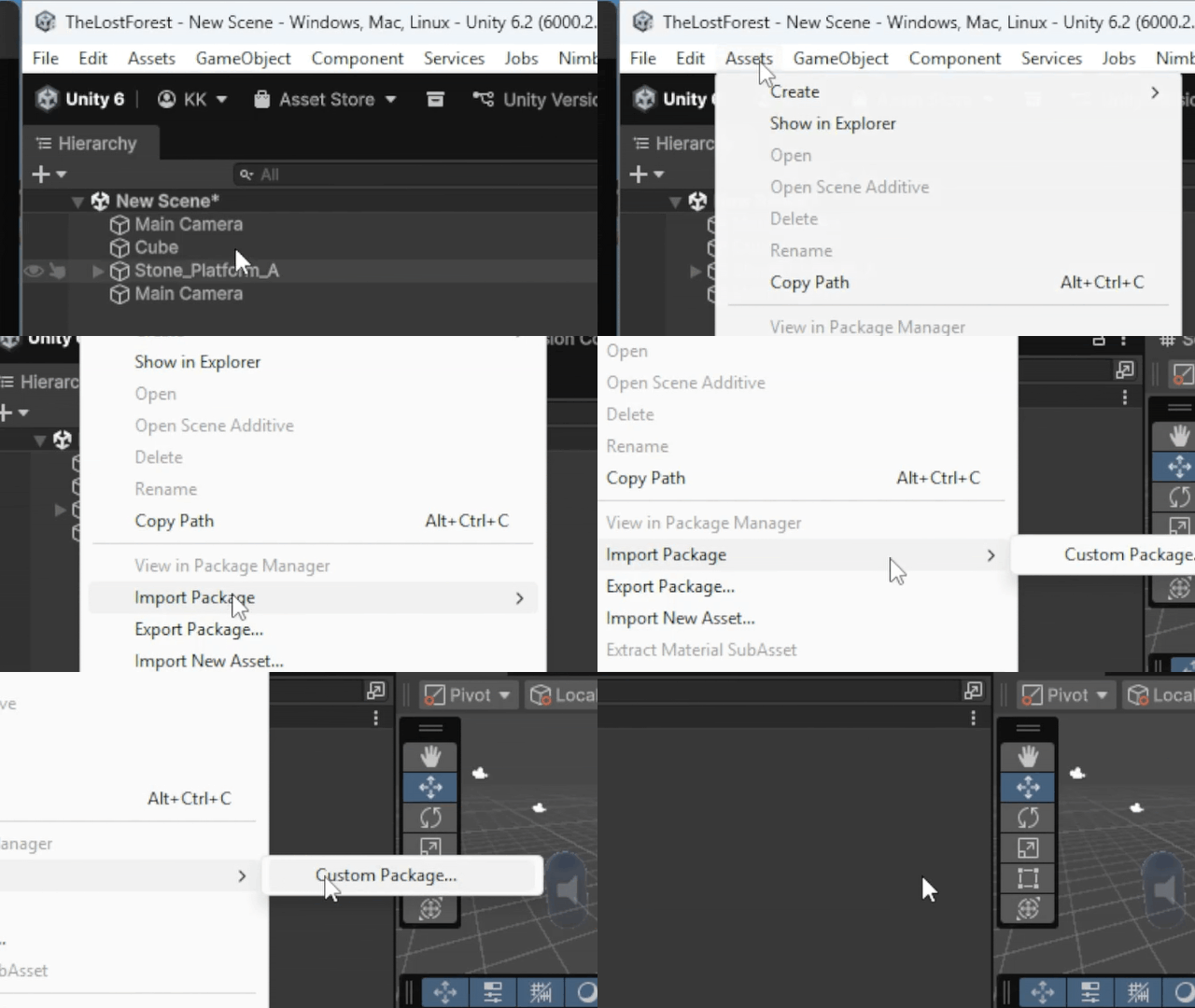
3. Open Nimble Fox
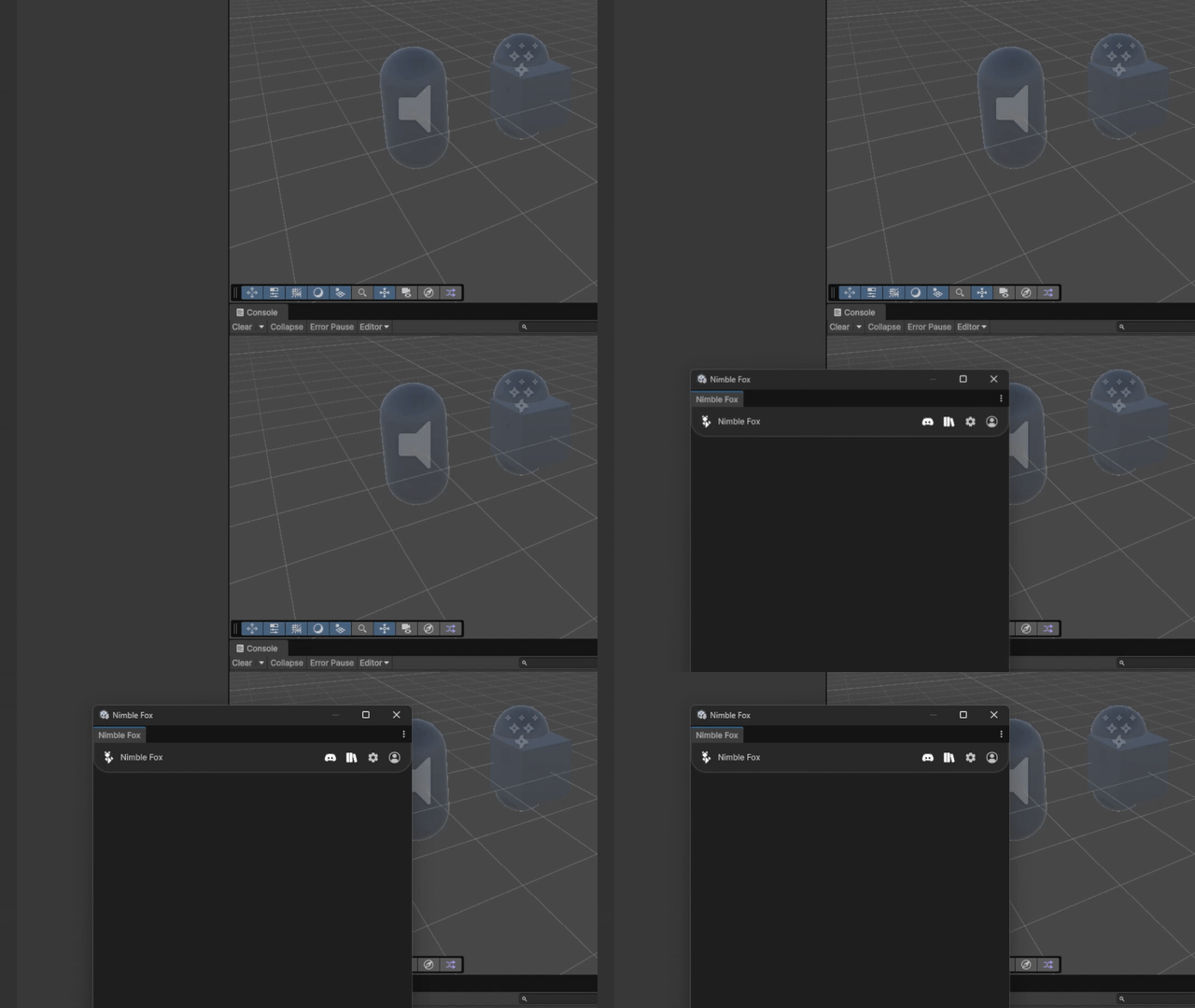
In Unity press CTRL+T or click Window > Nimble Fox.
4. Log In
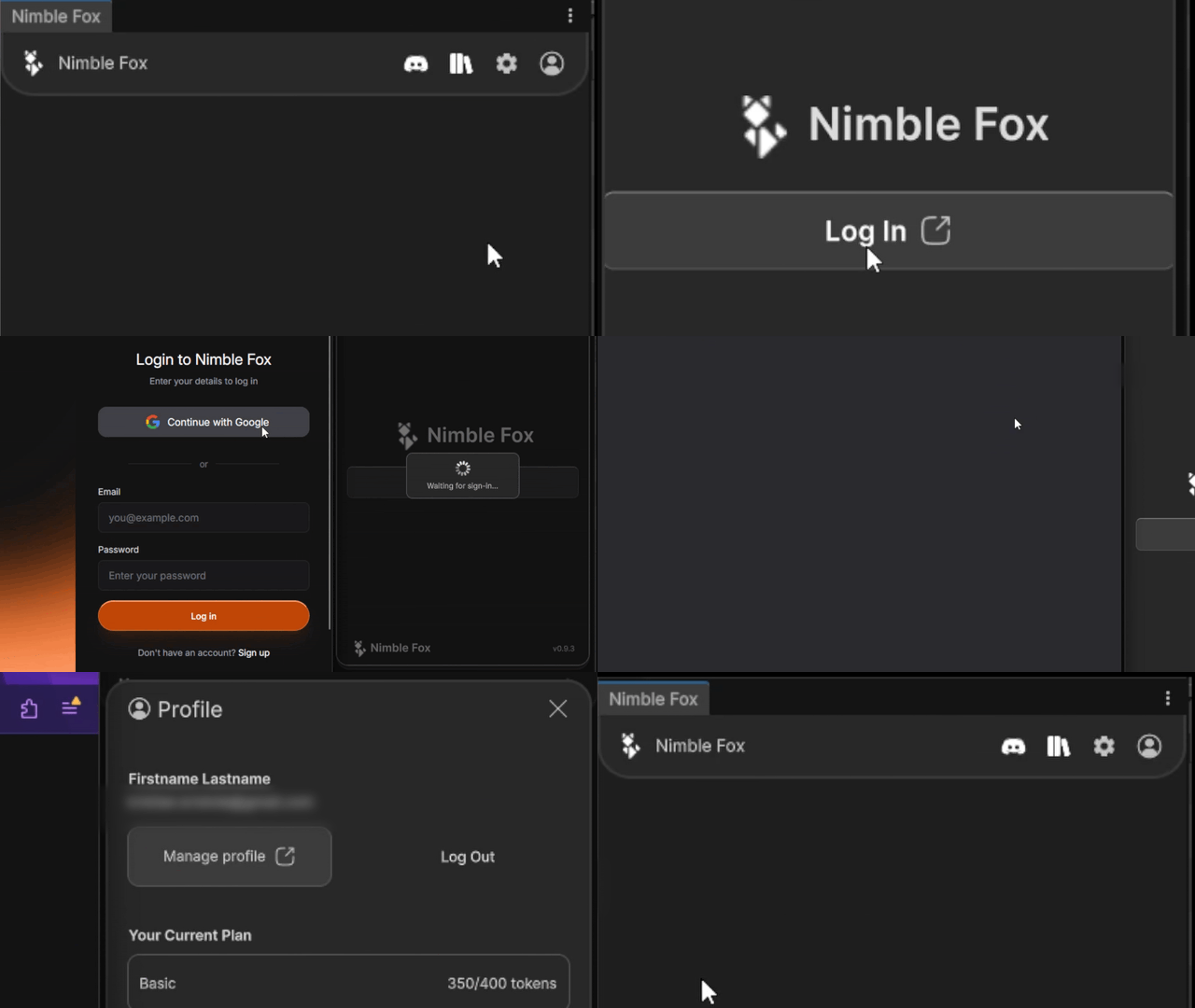
Click the Log In button on your profile and enter your details.
5. Start creating
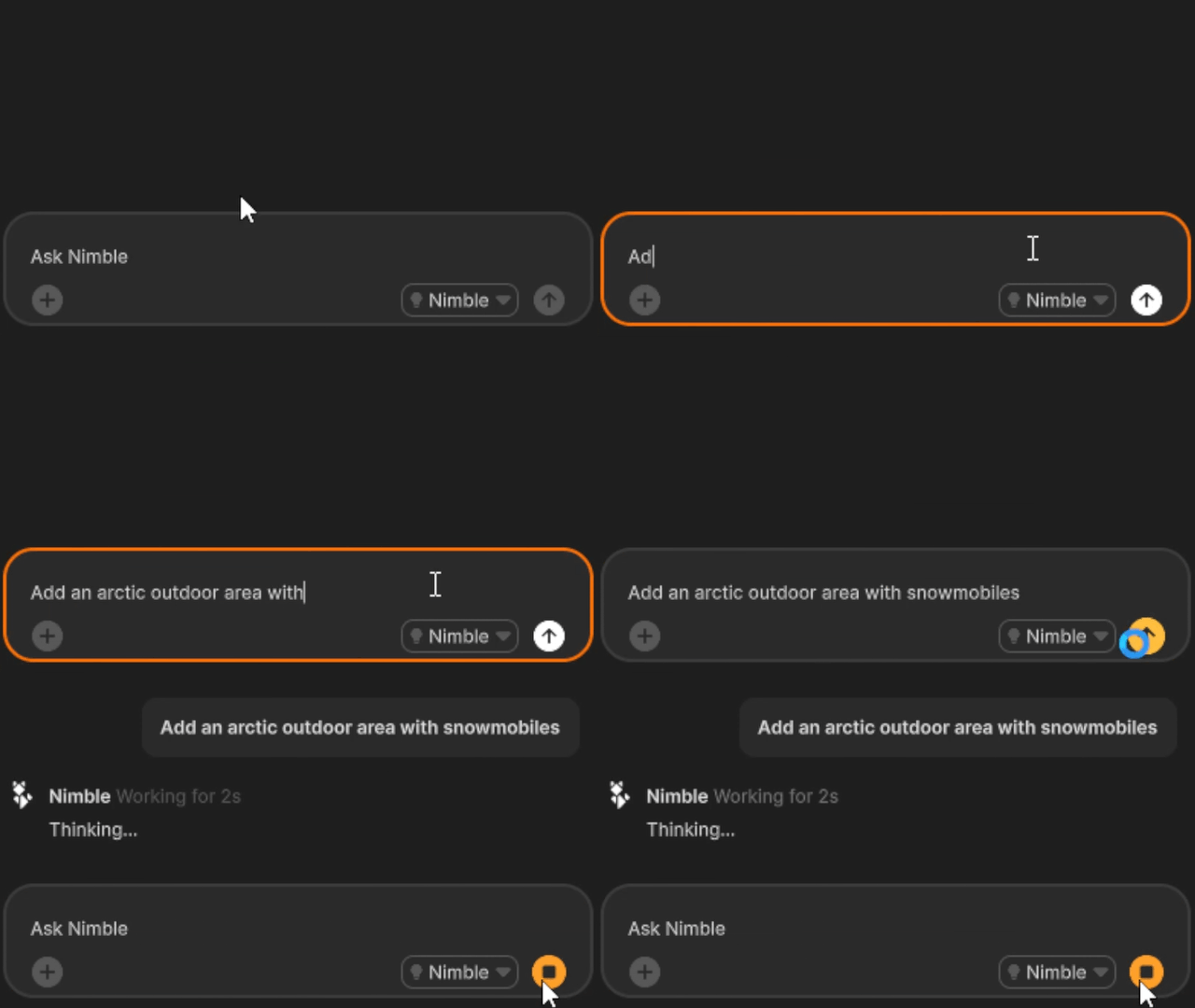
Nimble Fox works best with focused prompts. For more information, see the prompt guide or watch the prompting tips video.
Account setup
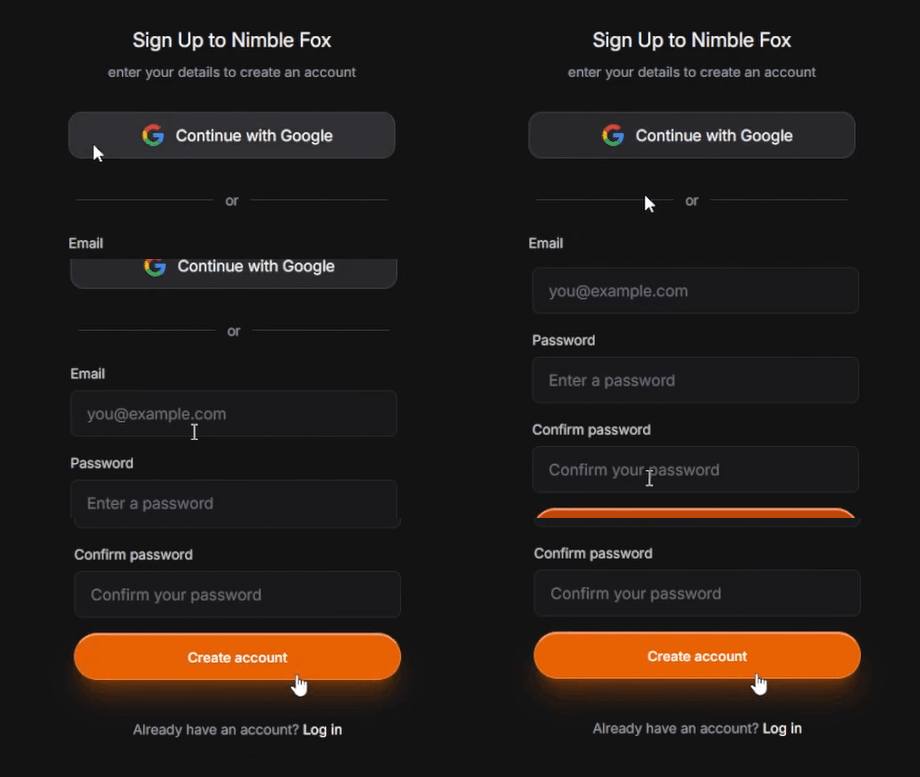
Create your Nimble Fox account to unlock downloads.
Frequently asked questions
Before you get started, here is what you might want to know. If you do not see your question here, get in touch.

Tokens are units used to send messages to Nimble Fox. Each message you send consumes one token.
Yes. Nimble Fox can create assets, scripts, and editor changes in your Unity project when you approve the prompt.
Nimble Fox only reads the files it needs to build or update the content you request. Your data is never used to train models.
Be specific about what you want to build, and include constraints like style.
Token and subscription information
How credits are granted, consumed, and rolled over across plans.
Token usage and consumption
- Each subscription includes 5 daily credits, which refresh every 24 hours.
- Free Tier subscriptions are capped at 30 daily credits per month (rolling 30-day window).
- Paid tiers refresh daily credits every 24 hours with no cap.
- Unused daily credits do not roll over to the next day.
Token rollover
- Unused monthly credits from the previous month roll over to the next month.
- Rollover credits are granted at monthly renewal time for subscriptions that remain active without interruption.
- Rollover credits are available for 30 days from the date they are granted.
- Rollover credits are available on all paid tiers.
- If a subscription is downgraded to the Free Tier or cancelled, credits will not roll over.
Token consumption order
Tokens are consumed in the following order:
- Daily credits
- Rollover credits
- Monthly credits
Subscription upgrades
- You can upgrade to a higher tier. You will receive the difference in credits based on your current tier.
- The price already paid for your current subscription period will be applied as a credit toward the upgrade.
Subscription downgrades
- You can downgrade to a lower tier.
- Lower pricing will begin in the start of the next billing cycle.
- All features and access will be available until the end of current billing cycle.
- If you downgrade to the Free Tier, you will not receive rollover credits.