Quickstart Help
To install Nimble Fox, follow the steps below or watch the setup tutorial video.
2. Import Nimble Fox
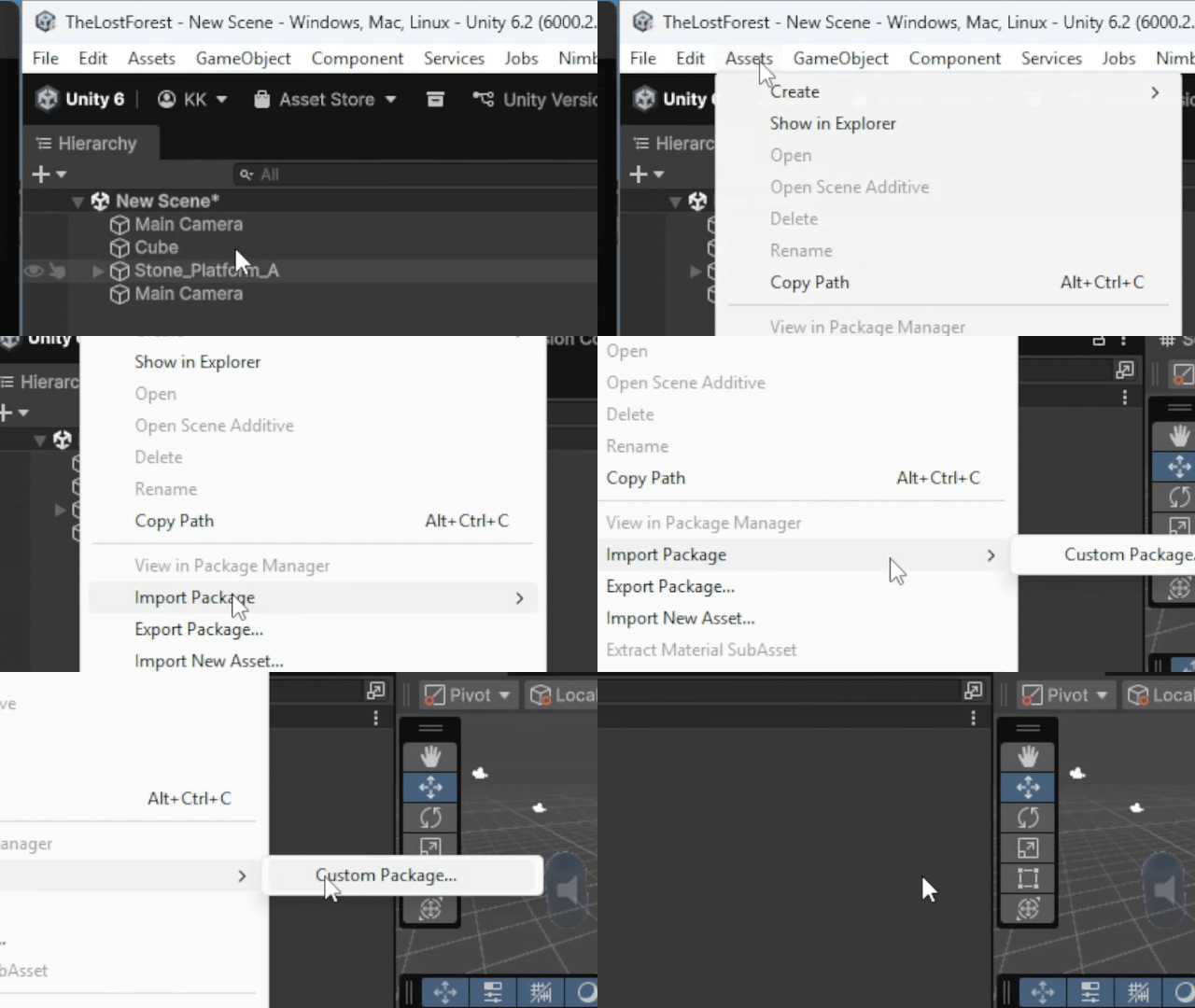
In Unity, click Assets > Import Package > Custom Package. Select and import the Nimble Fox .unitypackage file.
3. Open Nimble Fox
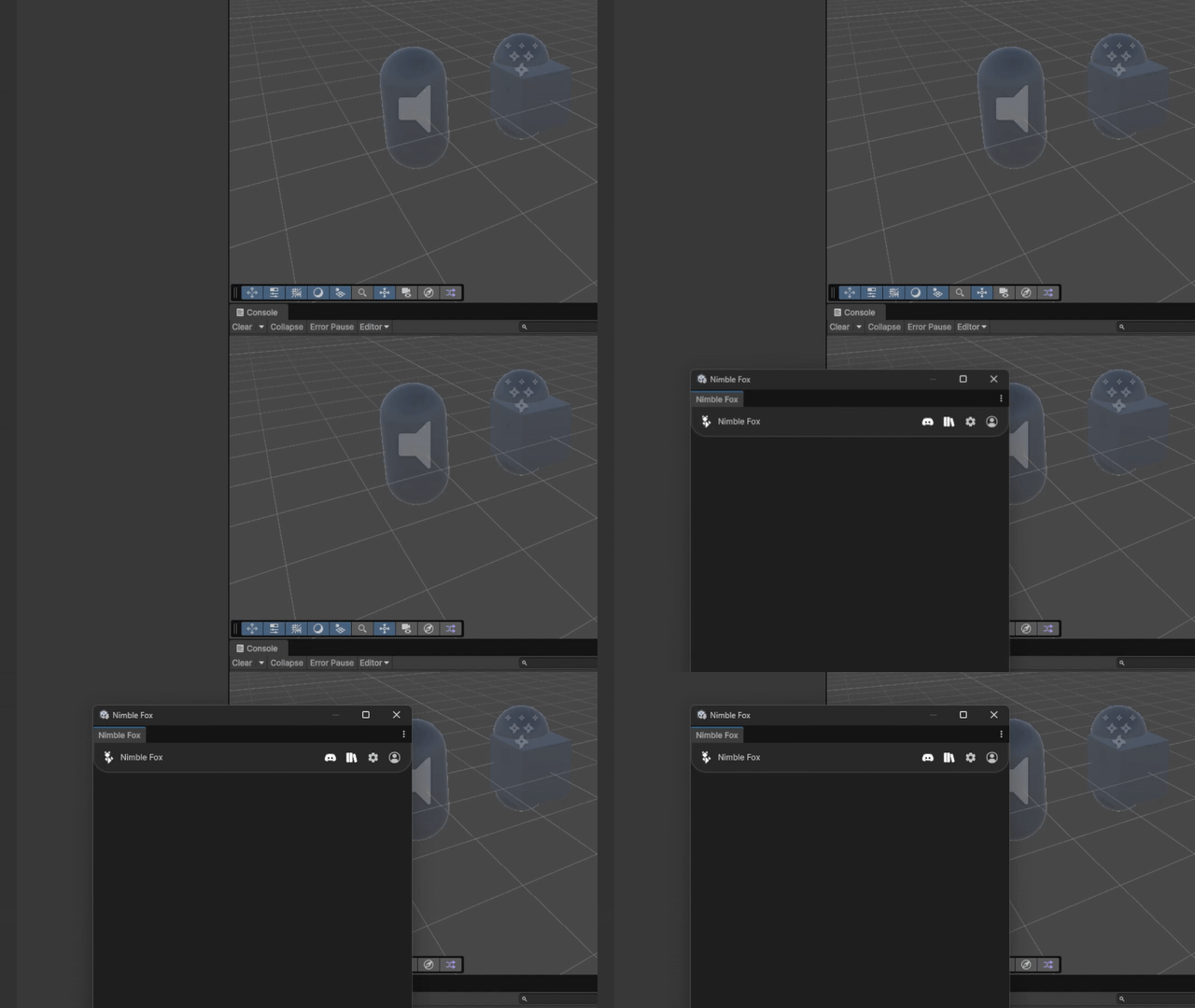
In Unity press CTRL+T or click Window > Nimble Fox.
4. Log In
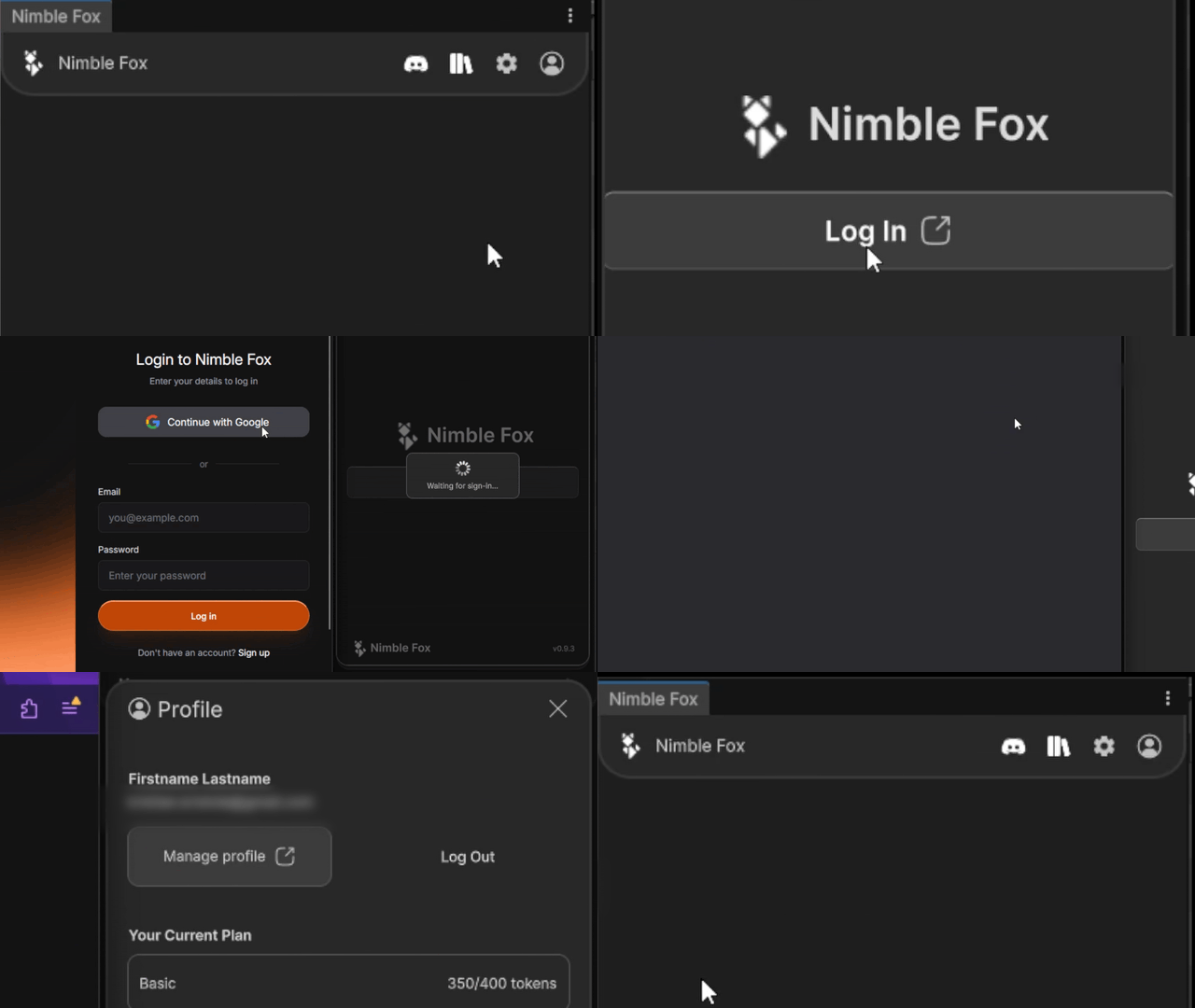
Click the Log In button on your profile and enter your details.
5. Start creating
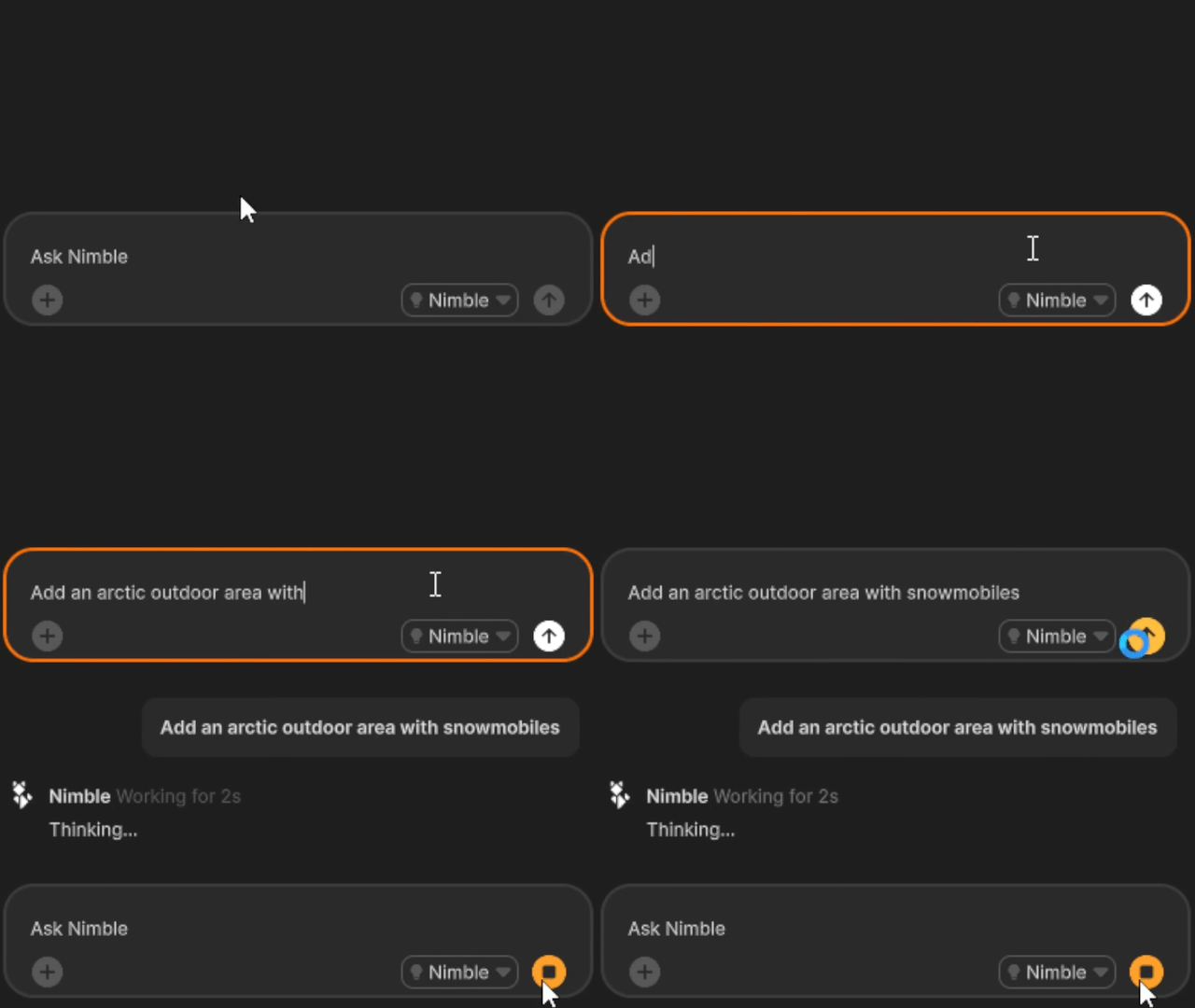
Nimble Fox works best with focused prompts. For more information, see the prompt guide or watch the prompting tips video.
Account setup
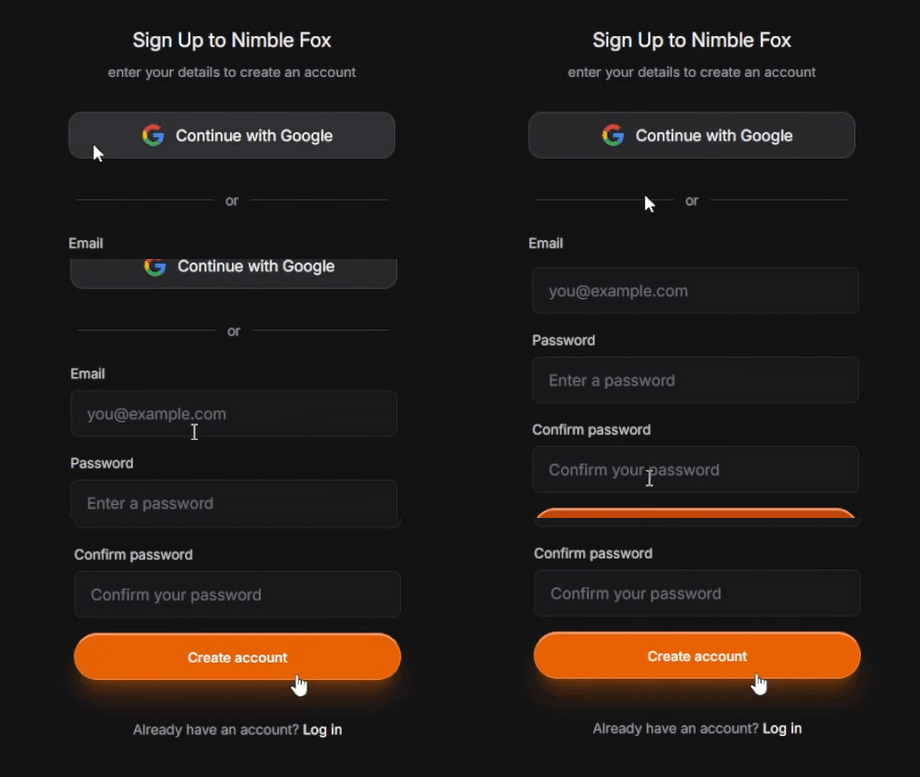
Create your Nimble Fox account to unlock downloads.
Frequently asked questions
Before you get started, here is what you might want to know. If you do not see your question here, get in touch.
Tokens are units used to send messages to Nimble Fox. Each message consumes tokens based on message complexity. Average message consumes 1.00 tokens and more complex messages can consume multiple tokens.
Yes. Nimble Fox can create assets, scripts, and editor changes in your Unity project when you approve the prompt.
Nimble Fox only reads the files it needs to build or update the content you request. Your data is never used to train models.
Nimble Fox works best when given smaller specific tasks. You can also describe the style and details of what you are building to get better results.